How to Store Blank Plastic Cards Properly: A Complete Guide
Table of Contents []
- Smart Storage Starts Here: What Plastic Card ID Wants You to Know
- Why Blank PVC Cards Are More Sensitive Than You Think
- The Right Environment for Long-Term Card Storage
- Handling Blank Cards Without Damaging Them
- Staging Cards for Print Runs: The Bridge Between Storage and Output
- Frequently Asked Questions About Blank Plastic Card Storage
- Make Every Card Count With Plastic Card ID
Smart Storage Starts Here: What Plastic Card ID Wants You to Know
You ordered five hundred blank PVC cards. Maybe a thousand. They arrived pristine - glossy, flat, perfectly cut to CR80 standard. And then... you stacked them on a shelf near the window, or tucked them beside the printer in a warm server room, or left them loosely in a drawer. Months later, you load a card into your printer and something is wrong. Warped. Scratched. Feeding unevenly. The print looks patchy. That scenario plays out in offices, schools, gyms, and retail operations across the country every single year, and it is almost always preventable.
Blank plastic cards represent a genuine investment in your organization's card program - whether you are printing employee badges, loyalty cards, membership credentials, or event passes. Protecting that investment means understanding how PVC cards behave in different environments and what simple, consistent storage habits keep them performing at their best. Plastic Card ID has worked with over 100,000 customers and has seen, firsthand, how storage errors create unnecessary reprints, wasted ribbons, and frustrated staff.
This guide covers everything - temperature, humidity, light exposure, physical handling, long-term archiving, and printer-ready staging - so your blank card inventory stays in peak condition from the moment it arrives until the moment it is printed.
| Condition | Ideal Range | Avoid |
|---|---|---|
| Temperature | 65F - 77F (18C - 25C) | Heat above 85F, cold below 50F |
| Relative Humidity | 40% - 60% RH | Below 30% or above 70% RH |
| Light Exposure | Low / indirect light only | Direct sunlight, UV sources |
| Surface Contact | Flat, stable, clean surfaces | Rough shelves, sharp edges, stacking pressure |
| Container Type | Sealed plastic bags or original packaging | Open cardboard boxes, loose drawers |
Why Blank PVC Cards Are More Sensitive Than You Think
 There is a persistent assumption that plastic cards are practically indestructible - toss them anywhere, they are fine. That assumption costs businesses real money. PVC, or polyvinyl chloride, is an engineered material that performs beautifully inside a card printer when it is properly conditioned. But it is sensitive to the same environmental variables that affect paper: temperature swings, moisture, oils from skin contact, and static buildup.
A standard CR80 card is 30 mil thick and built to ISO 7810 specifications. That uniformity is precisely what allows high-resolution dye-sublimation printers from brands like Evolis, Zebra, and Fargo to produce sharp, vivid prints with tight tolerances. When a card warps even slightly - bowing upward or curling at a corner - it can jam the printer, misalign the printed image, or cause ribbon breaks. None of those outcomes are what you want when you are in the middle of a badge run.
The Physics of Card Warping
PVC responds to heat by expanding and to cold by contracting. When one side of a card is exposed to a different temperature than the other - say, the bottom of a stack sitting on a warm printer surface while the top is cooler - the card develops internal stress that manifests as a curl or bow. This is not a defect in the card itself. It is physics, and it is fully preventable.
Temperature differentials as small as 10 degrees sustained over several hours can introduce enough stress to cause measurable warping. Cards stored directly on top of a printer, near a heating vent, or in a car overnight are particularly vulnerable. The solution is consistent, moderate ambient temperature - not dramatic, just stable.
Moisture and Static: The Invisible Problems
Humidity below 30% creates a static-prone environment. Cards cling together, attract dust and debris, and can develop micro-scratches during separation. Humidity above 70% introduces moisture absorption, which can cause slight surface tackiness that interferes with ribbon adhesion during printing. Neither extreme is dramatic on its own, but both degrade print quality in subtle, frustrating ways.
Static electricity is a particular nuisance in dry office environments during winter months. Cards that have built up static charge will attract airborne particles - dust, hair fibers, paper fragments - that become visible imperfections on a printed card. Using sealed storage containers and handling cards with clean, dry hands (or cotton gloves for critical runs) eliminates most of this risk entirely.
UV Exposure and Surface Degradation
Direct sunlight does more than fade color - it degrades the surface chemistry of PVC over time, affecting how well dye-sublimation ink bonds to the card. Cards stored on a shelf near a south-facing window may look fine to the naked eye after a few weeks but will show patchy, inconsistent print results when run through a printer.
Even fluorescent lighting can contribute to surface degradation over long storage periods. Keep your blank card inventory in a drawer, cabinet, or storage box away from continuous light sources. This is not an elaborate precaution - it is the same common sense that protects any print-sensitive material.
The Right Environment for Long-Term Card Storage
Most of the best storage advice for blank plastic cards is straightforward once you understand why it matters. The goal is environmental consistency. Cards that live in a stable, moderate environment from delivery to print run perform reliably and reduce waste. CPE has supplied tens of millions of cards to clients across every industry, and the feedback is consistent: the organizations with clean, organized, climate-controlled storage see dramatically fewer print failures.
Think of your card inventory the way a professional photographer thinks about film stock, or the way a printer shop thinks about paper: the substrate matters as much as the equipment. You can own the finest Fargo HDP5000 or Zebra ZC300 on the market and still produce mediocre results if your card stock has been compromised before it ever enters the machine.
Choosing the Right Storage Location
A climate-controlled interior room - not a garage, not a basement with fluctuating humidity, not a storage closet next to the boiler - is the ideal location for blank card inventory. Server rooms seem convenient but often run warmer than ideal. The best spot is typically a standard office interior away from exterior walls and windows, where temperature and humidity are regulated by the building's HVAC system.
Avoid placing cards near any heat-generating equipment: printers, copiers, computers, or HVAC vents. Even modest radiant heat is enough to stress card material over time. A dedicated shelf in a supply closet or locked cabinet away from electronics is an excellent choice for most organizations.
Original Packaging and Sealed Storage
One of the easiest storage wins is simply keeping blank cards in their original factory packaging until they are ready to use. Plastic Card ID ships cards in sealed poly bags within cardboard packaging for exactly this reason - the factory seal maintains the card surfaces in a clean, dust-free, and moisture-stable state.
Once a pack is opened, any unused cards should be returned to a resealable poly bag or airtight plastic container. Loose cards left in an open box are exposed to dust, static, and atmospheric moisture. This is particularly important for magnetic stripe cards and RFID cards, where the encoding layer adds an additional surface that benefits from protection.
Acclimation Before Printing: A Step Most People Skip
Cards that have been stored in a cooler environment - say, a stockroom that runs 60F - should be allowed to acclimate to room temperature before being loaded into a printer. Loading cold cards into a warm printer causes condensation on the card surface, which interferes with dye-sublimation ink adhesion and can leave watermark-like artifacts on the finished card.
The fix is simple: bring your card pack into the print area at least one to two hours before a scheduled print run. Thirty minutes is often enough in mild conditions. This single habit eliminates an entire category of print quality complaints that organizations frequently blame on their printer or ribbon.
Handling Blank Cards Without Damaging Them
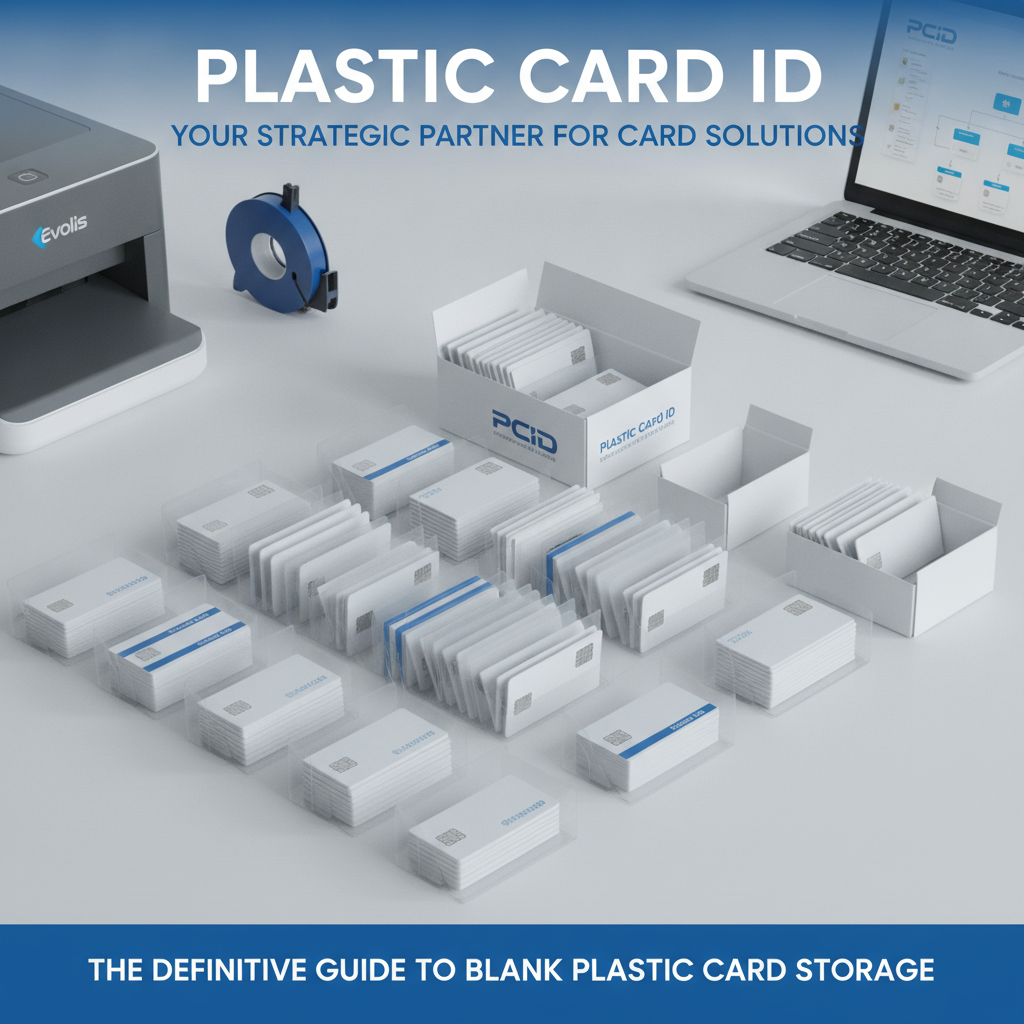 Storage conditions matter, but handling is where most damage actually happens - and where the simplest interventions make the biggest difference. Fingerprints, scratches from rough surfaces, cards dropped on gritty floors, cards bent during retrieval from tight storage - these are the everyday enemies of a clean card surface.
Dye-sublimation printing, which is used in most desktop card printers, involves bonding dye directly into the surface layer of the card. Any contamination on the card surface - oils, residue, abrasion - either prevents that bond or creates visible defects in the final print. Your blank card is essentially a print-ready canvas, and treating it accordingly is the simplest quality control measure available.
Hand Handling Best Practices
The oil from human skin is enough to leave a faint but problematic residue on a card surface. In low-volume environments, simply washing and drying hands before handling cards makes a measurable difference. In higher-volume operations, lint-free cotton gloves are a worthwhile investment - the same type used for handling photographic prints or archival documents.
When removing cards from a stack, slide them from the edge rather than pressing down on the face. This avoids micro-scratches from card-on-card friction. Never fan cards aggressively the way you might shuffle paper - this is the fastest way to introduce fine surface scratches that appear as print artifacts.
Avoiding Physical Stress and Bending
CR80 cards are designed to flex slightly - that is part of what makes them durable in wallets and cardholders. But repeated or sharp bending during storage retrieval stresses the card's laminate layers and can cause delamination or surface cracking, particularly in specialty cards like clear PVC or frosted stock where the surface treatment is more delicate.
Store cards in flat, horizontal stacks rather than vertically on edge. Vertical storage allows individual cards to lean and bow under their own weight, especially in humid conditions. Horizontal stacks with even, modest pressure from the container lid or a flat weight maintain card flatness effectively.
Special Considerations for Magnetic Stripe and RFID Cards
Magnetic stripe cards - whether HiCo (high coercivity) or LoCo (low coercivity) - should be stored away from magnetic sources including other magnetic stripe cards stored in large bulk without separation, hard drive enclosures, and magnetic closures on bags or cabinets. HiCo stripes are substantially more resistant to erasure than LoCo, but neither format benefits from casual proximity to magnetic fields during long-term storage.
RFID and proximity cards contain embedded antenna coils and microchips that are not vulnerable to magnetic interference the way stripe cards are, but they should still be stored flat and away from physical pressure that could crack the internal substrate. Smart chip cards with contact pads should be stored with their chip faces protected - never stacked face-to-face without a protective layer between them.
Staging Cards for Print Runs: The Bridge Between Storage and Output
There is a practical gap between long-term storage and active print production that most storage guides ignore entirely. Staging - the process of preparing cards for an upcoming print job - is its own discipline, and doing it right is what separates organizations that run smooth print operations from those that constantly troubleshoot avoidable problems.
Call CPE at 800.835.7919 to discuss your specific print volume and get card storage and staging recommendations tailored to your printer model and card type. The team has worked with Evolis, Zebra, and Fargo systems across thousands of client setups and can provide specific guidance faster than any generic article.
How Many Cards to Stage at Once
A common mistake is loading a full 500-card pack into a printer hopper for a job that requires 50 cards. Cards that sit in a hopper - exposed to the printer's internal heat - for extended periods can develop curl even if they were stored perfectly beforehand. Load only what you need for the immediate print job, and return unused cards to sealed storage immediately after the run.
For high-volume operations running tens of thousands of cards, stage cards in daily batches. Keep the main inventory in sealed storage and pull only the quantity needed for that day's production. This discipline preserves card quality across the entire inventory and makes quality control easier to manage.
Printer Hopper Positioning and Card Feed
The printer hopper is not a storage solution - it is a staging mechanism. Cards left in a hopper overnight or over a weekend are exposed to the ambient heat of the printer's standby state, the humidity fluctuations of the office environment without sealed packaging, and the static effects of partial hopper loads. The result is often a Monday morning of misfeeds, double-feeds, or streaky prints that get attributed to the printer but originate with the cards.
Position your card printer away from direct airflow from vents, away from windows, and on a stable, level surface. A vibrating or slightly tilted printer causes uneven card feeding that masquerades as a card quality problem. Level printer placement and sealed card staging together eliminate the majority of feed-related print defects in typical office environments.
Cleaning Cards and Printer Maintenance
Even perfectly stored cards accumulate trace contamination just from air exposure during a print session. This is why cleaning card kits - which Plastic Card ID stocks alongside ribbons and card supplies - are a critical part of any card program. Running a cleaning card through the printer between batches removes ribbon residue, dust, and debris from the card path that would otherwise transfer to blank card surfaces on subsequent print runs.
A printer that has not been cleaned in several hundred cards will produce progressively degraded output regardless of how well the blank cards were stored. The cleaning card acts as a reset, restoring the card path to its optimal state. This is one of the most underutilized tools in the average organization's print workflow.
Frequently Asked Questions About Blank Plastic Card Storage
After decades of supplying cards to organizations of every size - from small nonprofits printing 50 membership cards a month to hospitality groups running hotel key cards by the tens of thousands - CPE hears the same questions repeatedly. Here are the most common, answered directly.
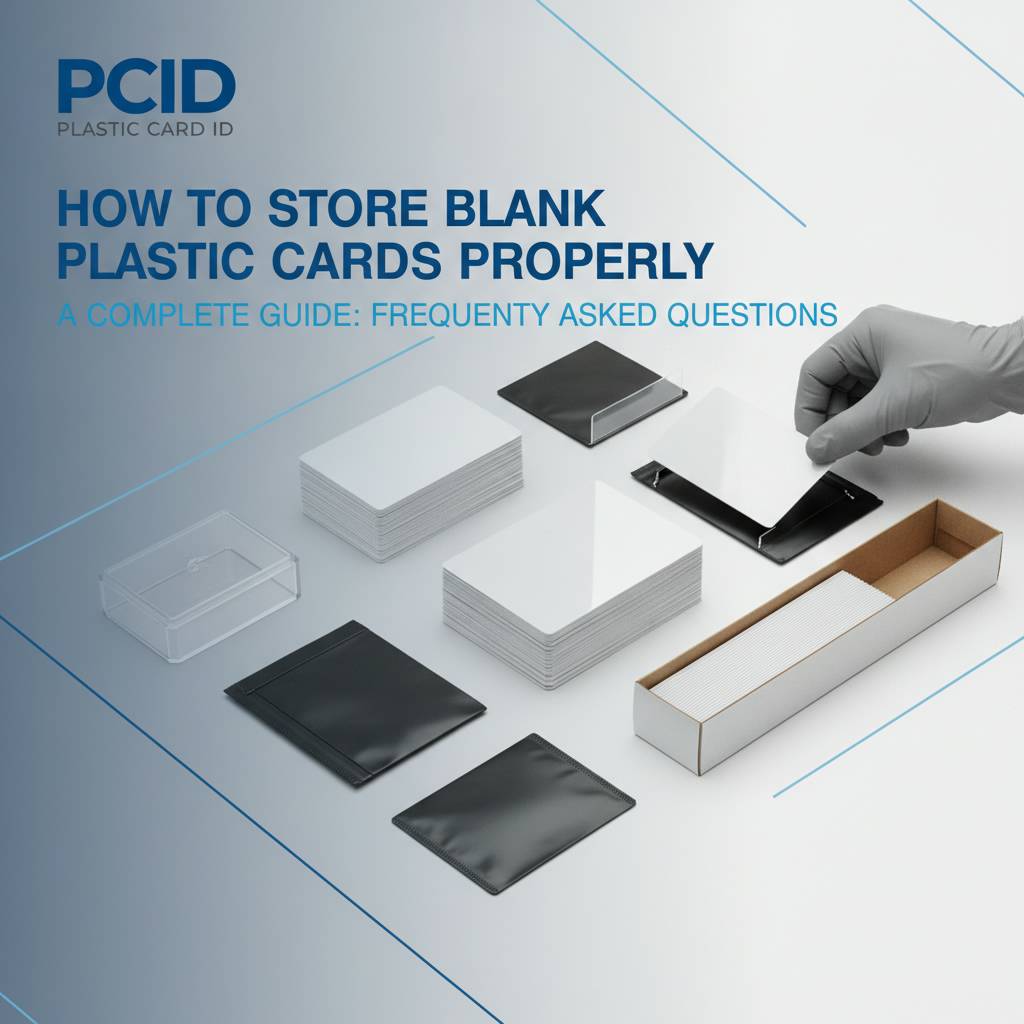
Common Storage Questions Answered
- Can I store blank cards in a refrigerator? No. The temperature is too low, humidity is unpredictable, and the condensation upon removal will damage cards and create print defects. Room temperature storage in a sealed container is always the better choice.
- Do blank cards expire? PVC cards do not have a hard expiration date, but cards stored improperly for years can degrade in ways that affect print quality. Properly stored blank cards in sealed packaging remain print-ready for several years.
- Should I fan cards before loading them into the printer? Gentle separation is fine, but aggressive fanning causes surface scratches. Instead, tap the stack gently on a flat surface to align the edges before loading.
- Is it safe to store different card types together? Magnetic stripe cards should not be stored directly adjacent to strong magnetic sources. Otherwise, different card types can be stored in the same cabinet provided each type is in its own sealed container.
- What if my cards arrive warped from shipping? Allow them to acclimate in a sealed pack at room temperature for 24 hours. Most shipping-related curl resolves on its own. If cards remain warped, contact Plastic Card ID directly.
- How do I store clear or frosted PVC cards differently? Clear and frosted cards are more susceptible to surface scratching. Store them with interleaving tissue or in the manufacturer's original packaging longer than you might for standard white PVC.
Bulk Storage for High-Volume Programs
Organizations ordering cards in quantities of 5,000, 10,000, or more face a specific challenge: managing a large rotating inventory without letting older stock degrade before it is used. The solution is first-in, first-out (FIFO) rotation - the same inventory discipline used in food service and pharmaceutical supply chains. Mark each shipment with a received date and always print from the oldest stock first.
Bulk inventory should be stored in a dedicated space with consistent climate control, ideally on shelving that keeps boxes off the floor and away from exterior walls. Cardboard boxes - even sealed ones - absorb ambient moisture over time. For long-term bulk storage, transferring cards from cardboard into sealed plastic storage bins with gasket lids adds a meaningful layer of protection.
When to Contact Your Card Supplier
If you are experiencing consistent print quality issues - streaking, banding, misfeeds, color inconsistency - and you have already verified that your printer is clean and your ribbon is fresh, the cards themselves may be the variable worth examining. Reach out to Plastic Card ID with details about your storage setup, your card type, and your printer model. Diagnosing print quality issues is faster when you involve your supplier early rather than after replacing ribbons and running test prints for hours.
The team at CPE has seen virtually every combination of card type, printer model, and environmental condition. A five-minute conversation can often identify a storage or staging issue that would take hours to diagnose independently.
Make Every Card Count With Plastic Card ID
Blank plastic cards are the foundation of your card program. They become badges, loyalty cards, membership credentials, event passes, access tokens - whatever your organization needs them to be. That versatility is only fully realized when the cards arrive at your printer in perfect condition, stored correctly from the moment they are received.
The storage principles in this guide are not complicated. A stable temperature, controlled humidity, sealed containers, careful handling, and smart staging protocols are all that stand between a flawless print run and a frustrating afternoon of reprints. Invest five minutes in proper storage setup and save hours of troubleshooting later. That is a trade worth making every time.
Ready to build a card program that runs smoothly from delivery to print? Call Plastic Card ID today at 800.835.7919. From blank CR80 cards and specialty stock to printers, ribbons, and cleaning kits, everything your program needs is one conversation away.
Previous Page