How to Print on Blank Plastic Cards: Simple Guide
Table of Contents []
- Everything You Need to Know About How to Print on Blank Plastic Cards - Plastic Card ID
- Understanding Blank CR80 PVC Cards Before You Print
- Choosing the Right Card Printer for Your Program
- Step-by-Step Process: How to Print on Blank Plastic Cards
- Encoding Blank Cards for Access Control and Loyalty Programs
- Specialty Blank Cards: Clear, Frosted, Die-Cut, and Metal
- Running a Successful In-House Card Program with Plastic Card ID
Everything You Need to Know About How to Print on Blank Plastic Cards - Plastic Card ID
Blank plastic cards are deceptively simple objects. Hand one to someone unfamiliar with card programs and they might see nothing more than a white rectangle. Hand one to a business owner who understands what it can become - an employee badge, a loyalty card, a membership credential, an event pass - and suddenly that small piece of PVC feels like opportunity compressed into a wallet-sized format. Knowing how to print on blank plastic cards correctly is what separates a polished, professional card program from one that looks like it was assembled in a hurry.
This guide covers the full picture: card types, printer options, encoding methods, setup tips, and the strategic thinking behind running a card program that actually delivers results. Whether you are printing 50 cards a month or scaling into the tens of thousands, the fundamentals matter - and they are more accessible than most people expect.
| Card Type | Standard | Best Printed Use | Encoding Option |
|---|---|---|---|
| Blank White PVC CR80 | ISO 7810 / 30 mil | ID badges, loyalty, membership | None standard |
| Magnetic Stripe HiCo | ISO 7810 / 30 mil | Gift cards, access, loyalty | HiCo magnetic encoding |
| Magnetic Stripe LoCo | ISO 7810 / 30 mil | Hotel keys, short-use access | LoCo magnetic encoding |
| RFID / Proximity Card | Various frequencies | Access control, smart ID | Contactless RFID chip |
| Clear / Frosted PVC | ISO 7810 / 30 mil | VIP cards, premium branding | Optional stripe or chip |
| Smart Chip Card | ISO 7816 | Secure ID, loyalty, access | Contact chip encoding |
Understanding Blank CR80 PVC Cards Before You Print
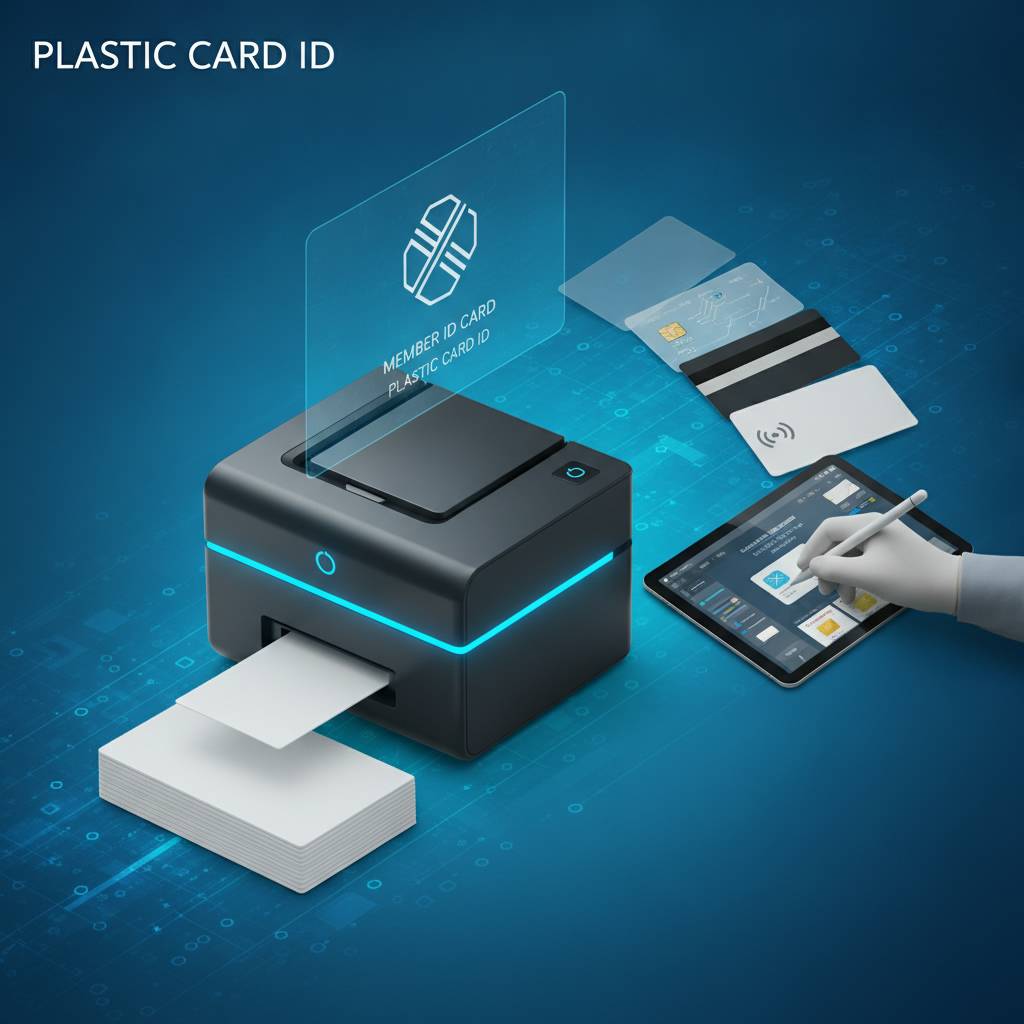 The CR80 format - measuring 3.375 inches by 2.125 inches at 30 mil thickness - is the universal standard that card printers are designed around. Nearly every desktop card printer sold today is built to accept this size, which means your blank cards and your printer will play nicely together right out of the box. Getting familiar with your card stock before loading a single card into a printer prevents frustrating jams, misaligned prints, and wasted ribbon.
Blank PVC cards come in white, colored stock, clear, frosted, and specialty finishes. Each surface interacts differently with dye-sublimation or direct-to-card print heads. White and light-colored cards produce the most accurate color reproduction. Clear and frosted cards require adjusted color profiles. Understanding this distinction upfront saves time and supplies during setup.
Why Card Thickness Matters for Printing
The 30 mil standard is not arbitrary. Cards thinner than 30 mil may feed inconsistently, while cards thicker than 30 mil can jam certain printers or cause premature wear to the print head. Most desktop card printers from Evolis, Zebra, and Fargo are calibrated for 30 mil cards specifically. Always confirm your printer's accepted card thickness range before ordering bulk blank cards.
Some applications call for thinner overlaminates or composite card constructions. These are edge-case scenarios, but worth noting if your program involves cards that need to pass through turnstile slots or equipment with tighter tolerances. For the vast majority of in-house card programs, standard 30 mil CR80 is the correct choice and it performs flawlessly.
Card Surface and Print Quality
Dye-sublimation printing - the method used by most professional card printers - works by transferring dye from a ribbon onto the card surface through heat. The smoothness of the card surface directly determines how sharp and vibrant your printed image will be. Premium blank PVC cards have a consistently smooth surface that allows for edge-to-edge, photographic-quality results.
Texture, contamination, or inconsistency on the card surface can produce banding, spotting, or color variation across a batch. This is why sourcing blank cards from a reputable supplier matters as much as choosing the right printer. Quality cards from CPE are tested for surface consistency before they ever reach a customer's hands.
Colored Stock Cards and How They Print Differently
Colored blank PVC cards - available in red, blue, green, gold, silver, and other hues - can add visual impact to a card program without requiring full-color printing across the entire card. A colored base card combined with single-color or monochrome printing is a cost-effective way to differentiate tiers in a membership or loyalty program.
When printing on colored stock, it is important to remember that the base color will affect how printed colors appear. Yellow printed over a blue card will produce green tones. Most organizations using colored stock cards keep their designs simple - logos, names, numbers, and minimal graphics - so the base color serves as the design rather than fighting against it.
Choosing the Right Card Printer for Your Program
Not all card printers are equal, and matching your printer to your actual print volume and feature requirements is one of the most important decisions in setting up a card program. Buying a printer that is underpowered for your needs leads to burnout, downtime, and frustration. Buying one that is overpowered means spending money on features you will never use. The goal is the right fit.
CPE carries desktop card printers from three industry-leading brands - Evolis, Zebra, and Fargo - each with distinct strengths. Evolis printers are known for their compact design and excellent ribbon efficiency. Zebra printers are workhorses favored in enterprise environments. Fargo printers offer strong encoding integration for programs that combine printing with magnetic stripe or smart card functionality.
Single-Sided vs. Dual-Sided Printing
Single-sided printers print on one face of the card. Dual-sided printers flip the card internally and print on both faces in a single pass. If your card design includes any information on the back - barcodes, magnetic stripe printing, terms of use, or branding - a dual-sided printer is the correct choice. Running cards through a single-sided printer twice to print both sides manually is time-consuming and prone to alignment errors.
For simple in-house ID badge programs or basic loyalty cards with a plain back, a single-sided printer is sufficient and typically more affordable. Evaluate your card design before purchasing. It is easier to start with the right printer than to upgrade mid-program after realizing your design requires back-side printing.
Encoding Capabilities: Magnetic Stripe, Smart Card, and RFID
Many card printers can be ordered with built-in encoding modules that write data to magnetic stripes or smart chips during the print process. Combining print and encode in a single pass is a significant time-saver for programs that require both visual personalization and functional data storage on the same card.
HiCo magnetic stripe encoding is more durable and less susceptible to interference than LoCo, making it the preferred choice for cards that will see heavy daily use. RFID encoding, available on select printer models, allows for contactless access control integration. If your program involves proximity card readers or contactless check-in, discuss encoding specifications with CPE before finalizing your printer selection.
Printer Ribbons and Consumables Planning
The ribbon is the ink of the card printer world. Full-color YMCKO ribbons (yellow, magenta, cyan, black, overlay) are used for photographic-quality, full-color card printing. Monochrome ribbons - available in black, white, red, blue, gold, silver, and others - are used for single-color applications at a lower cost per card. Selecting the right ribbon type for your card design reduces waste and controls operational costs over time.
- YMCKO ribbons: Full-color printing with protective overlay - ideal for photo ID cards and detailed designs
- KO ribbons: Black plus overlay - best for high-volume monochrome printing with protection
- Monochrome ribbons: Single-color output - most economical for simple text and barcode cards
- YMCKOK ribbons: Full color, dual black panel - used for printing color on front and crisp black on back
- Cleaning kits: Routine cleaning extends print head life and maintains print quality across thousands of cards
Planning your ribbon and cleaning kit inventory alongside your card stock order prevents downtime. Most card programs that run out of ribbons mid-batch lose hours of productivity. Ordering consumables in advance - especially for programs with scheduled issuance dates - is simply smart operations management.
Step-by-Step Process: How to Print on Blank Plastic Cards
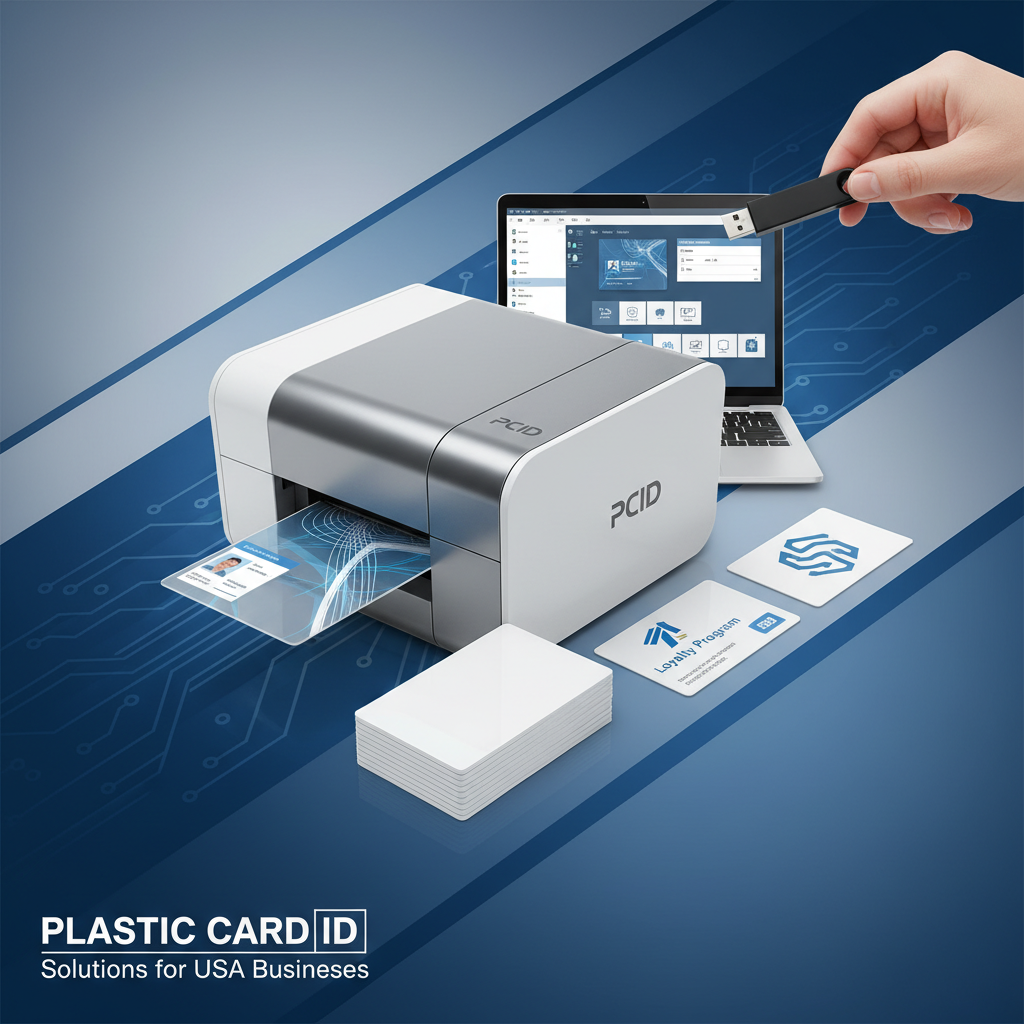 The actual printing process is straightforward once your equipment and materials are aligned. A disciplined setup routine produces consistent, professional results every single time - whether you are printing five cards or five hundred. Here is the practical workflow that card program operators across the country rely on.
Card printing software, which typically comes bundled with Evolis, Zebra, and Fargo printers, allows you to design card layouts, import data from spreadsheets or databases, and send print jobs directly to the printer. For variable-data printing - where each card has a unique name, number, or photo - database connectivity within the card software is essential.
Designing Your Card Layout
Before you feed a single card into the printer, your design needs to be locked down. Card design software should be used to set up your layout at exact CR80 dimensions, typically 3.375 x 2.125 inches at 300 DPI or higher for crisp output. Setting up bleed areas - extending background colors or images slightly beyond the card edge - prevents white borders if the card shifts slightly during printing.
Text should be kept away from card edges by at least 1/8 inch to avoid cutoff risk. If your card includes a photo field, ensure the image resolution is high enough to avoid pixelation when printed. Low-resolution photos are one of the most common causes of unsatisfactory ID card results, and they are entirely avoidable with proper image preparation.
Loading Cards and Running a Test Print
Load blank cards into the printer's input hopper with the correct orientation - most printers indicate which face should be up and which end should face the feed direction. Never touch the printable surface of blank cards with bare hands - skin oils create contamination spots that show up as defects in the printed image. Handle cards by their edges or use lint-free gloves when loading.
Always run a test print before committing to a full batch. A single test card reveals alignment issues, color calibration problems, or encoding errors that would otherwise ruin an entire run. Adjust settings as needed, run a second test if required, and only proceed to the full batch once the test result meets your quality standard.
Variable Data Printing for Personalized Cards
Variable data printing allows each card in a batch to carry unique information - a different name, employee number, photo, barcode, or membership ID - while sharing the same design template. This is the feature that transforms a card printer from a simple output device into a complete card issuance system. Most card software handles this through a CSV import or direct database connection.
Setting up a variable data print job correctly at the start of a program - with proper field mapping, image folder organization, and naming conventions - makes future card issuance far faster and less error-prone. Organizations that invest time in proper setup routinely report being able to produce a personalized card batch in minutes rather than hours.
Encoding Blank Cards for Access Control and Loyalty Programs
Printing a card is only half the story for many applications. Magnetic stripe encoding, smart chip writing, and RFID programming add a functional layer to the card that allows it to interact with readers, POS systems, access control panels, and loyalty platforms. The combination of a visually branded card with properly encoded data is what makes a card program operationally complete.
Understanding encoding at a basic level helps card program managers avoid costly mistakes. Encoding the wrong track format on a magnetic stripe, for instance, can render a card unreadable by the intended reader system. Confirming your system's read requirements before encoding a batch is always time well spent.
Magnetic Stripe Encoding: HiCo vs. LoCo
High-coercivity (HiCo) magnetic stripes require a stronger magnetic field to encode but are far more resistant to accidental erasure from everyday magnetic sources. HiCo cards are the correct choice for any application where the card will be used repeatedly over months or years - loyalty cards, employee access cards, gift cards, and membership cards all benefit from HiCo encoding.
Low-coercivity (LoCo) stripes are easier to encode but can be erased by proximity to common magnetic sources. Hotel key cards are a classic LoCo application because they are replaced frequently and the lower encoding strength is not a problem in that context. For most business card programs, HiCo is the safer and more practical choice.
RFID and Proximity Card Programming
RFID cards communicate wirelessly with compatible readers, enabling contactless access control, touchless check-in, and smart building integrations. Proximity cards operate at 125 kHz and are the older, more widely deployed standard. Modern RFID smart cards, including those using MIFARE DESFire technology, operate at 13.56 MHz and support encrypted, multi-application data storage.
Choosing the right RFID frequency depends entirely on the readers already installed in your facility. Purchasing RFID cards that are incompatible with your reader infrastructure is a common and avoidable mistake. Confirm your reader specifications before ordering. CPE can help match card specifications to known reader systems for most major access control platforms.
Smart Chip Cards for Secure Applications
Contact smart chip cards, compliant with ISO 7816, feature an embedded microprocessor that stores and processes data securely. These cards are used in secure employee ID programs, government-adjacent applications, campus access systems, and loyalty programs that require tamper-resistant data storage. Smart chip cards represent the highest tier of data security available in a standard card form factor.
Printing on smart chip cards follows the same process as standard PVC cards, with the chip area typically left unprinted or given a subtle design treatment. Encoding is performed via a contact smart card writer integrated into the printer or as a standalone device. Proper encoding requires software that is compatible with the chip's operating system and the target application platform.
Specialty Blank Cards: Clear, Frosted, Die-Cut, and Metal
Standard white PVC is the default, but it is far from the only option. Specialty blank cards open design possibilities that set a card program apart in memorable ways. VIP membership programs, premium hotel brands, upscale retailers, and organizations that want their cards to make a strong first impression regularly invest in specialty card formats that communicate quality before a single word is read.
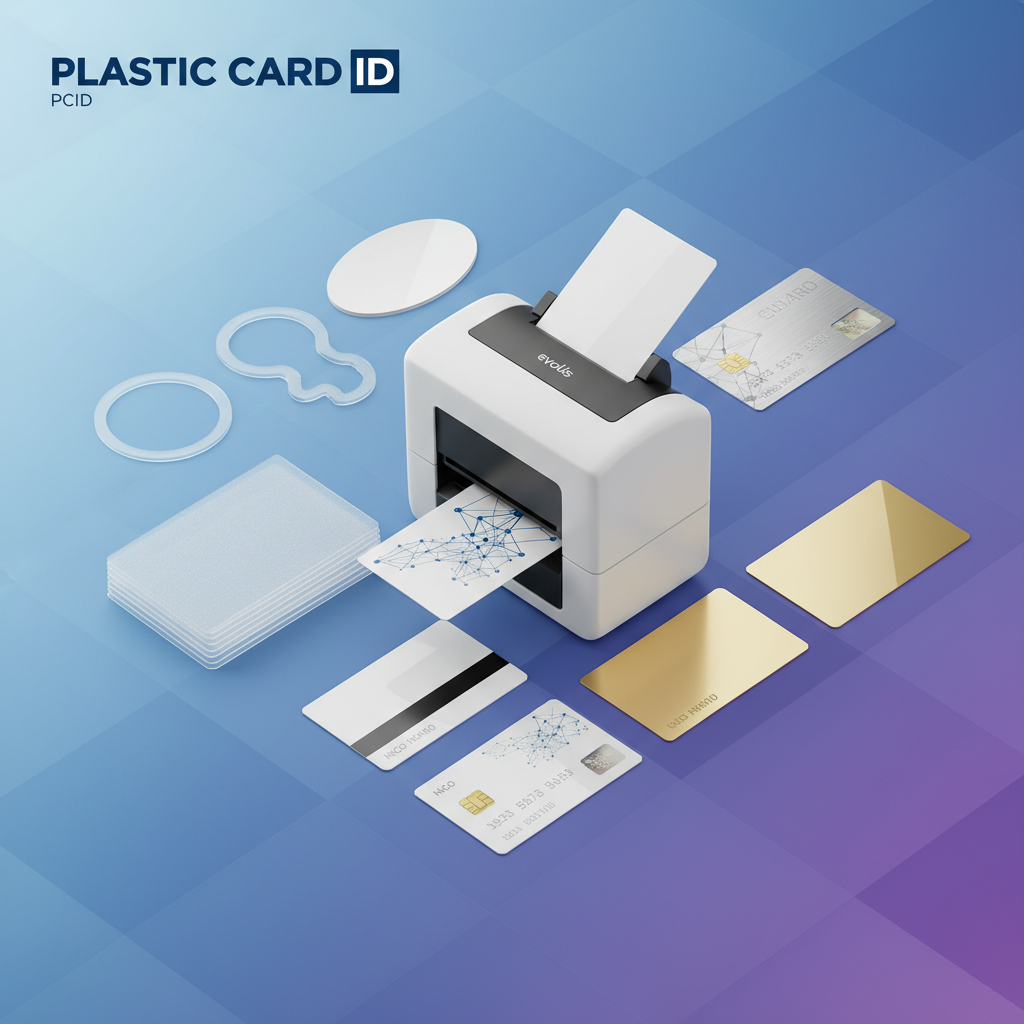
The printing process for specialty cards shares the same fundamentals as standard PVC, but with additional considerations for surface adhesion, color profile adjustment, and handling. Understanding these nuances before starting a specialty print run prevents waste and produces results that genuinely impress.
Printing on Clear and Frosted PVC Cards
Clear PVC cards have no white base layer, which means colors print with a translucent quality rather than the solid appearance produced on white card stock. This effect can be striking when used intentionally - floating text and logos against a clear background create a sleek, modern aesthetic that white cards simply cannot replicate. Frosted cards produce a softer, diffused version of the same effect.
Adjusting your color profiles in the card design software is important when working with clear or frosted stock. Colors that look correct on-screen assuming a white background will appear lighter or more translucent than expected. Running color calibration test prints before committing to a batch is especially important with these card types.
Metal Cards and Luxury Card Programs
Metal cards in stainless steel, brass, and gold are the ultimate expression of card program prestige. These cards are not printed using standard desktop card printers - they require specialized production processes including laser engraving, etching, or custom manufacturing. Metal cards are used by exclusive membership programs, high-end hospitality brands, VIP casino player programs, and luxury retailers to create an unmatched tactile and visual impression.
Because metal cards are produced through custom manufacturing rather than in-house printing, lead times and minimum order quantities differ from standard PVC card programs. They are a statement investment - one that communicates to the cardholder that they are valued at the highest level. For programs where perceived prestige is part of the product experience, metal cards deliver a return that is difficult to quantify but easy to feel.
Custom Die-Cut Card Shapes
Die-cut cards break the standard rectangle format, producing shapes that reinforce a brand identity - key fobs, oval cards, rounded-edge designs, or fully custom outlines. A die-cut card that resembles a product, logo silhouette, or brand icon creates an immediate visual association that a standard rectangle cannot achieve. Event credentials, trade show badges, and specialty loyalty cards are common die-cut applications.
Printing on die-cut cards requires careful design alignment so that critical information stays within the card boundaries regardless of the custom shape. Design files should be created with the die-cut outline as a guide layer, ensuring logos, text, and images are positioned correctly relative to the final card edge.
Running a Successful In-House Card Program with Plastic Card ID
The businesses that get the most out of in-house card printing are the ones that treat it as a program rather than a task. Establishing clear workflows, maintaining supply inventory, and periodically reviewing card design and encoding standards keeps a card program running smoothly across years of operation. This is the kind of thinking that separates organizations with professional card programs from those perpetually scrambling to reorder supplies at the last minute.
CPE has supported over 100,000 customers and more than 50 million cards in circulation across the United States. That depth of experience means real guidance - not generic sales scripts. From first-time card program setups to complex multi-location enterprise deployments, the team brings practical knowledge to every conversation.
Calculating Your Card and Supply Needs
Estimating your monthly card volume is the starting point for determining how much blank card stock, ribbon, and cleaning supplies to keep on hand. A useful rule of thumb: order enough blank cards to cover 60-90 days of expected usage so that supply shortages do not disrupt operations. For programs with seasonal spikes - back to school, retail holiday seasons, annual membership renewals - planning ahead by a full quarter is even smarter.
- Estimate monthly card issuance volume including replacements and new enrollments
- Match ribbon yield to card volume - most ribbons yield 200-500 prints per roll depending on type
- Schedule printer cleaning every 500-1,000 cards or per manufacturer recommendation
- Keep at least one spare ribbon on hand to avoid last-minute supply emergencies
- Review card designs annually to ensure branding, contact information, and data formats are current
Card program supplies have a shelf life that is comfortably long under proper storage conditions - away from direct sunlight, heat, and humidity. Bulk purchasing blank cards reduces per-card cost meaningfully over time, making it a financially sound approach for programs with predictable monthly volumes.
When to Call for Expert Guidance
Some card program decisions are straightforward. Others - particularly those involving encoding compatibility, multi-location issuance workflows, or advanced card technologies like MIFARE DESFire - benefit from a conversation with someone who has configured these programs before. Reaching out before making a purchasing decision is always the right move when the application is complex or when the stakes of getting it wrong are high.
To speak with a card program specialist at Plastic Card ID, call 800.835.7919. The team is ready to help evaluate your requirements, recommend the right combination of cards and printers, and ensure your program is set up for long-term success from the first card printed.
Card Carriers, Sleeves, and Fulfillment Services
A printed, encoded card is a complete product - but the way it is delivered to the cardholder matters too. Card carriers add a professional presentation layer, especially for loyalty and gift card programs where the unboxing moment influences how the card is perceived. A card handed to a customer in a quality carrier signals that the program behind it is equally well-managed.
For programs that mail cards to members, employees, or customers, CPE offers card affixing and mailing services that handle the fulfillment side of card issuance. Rather than assembling and mailing cards in-house, organizations can offload this work entirely - reducing labor, eliminating the need for mailing equipment, and ensuring cards arrive in professional condition every time.
Ready to build or upgrade your card program? Contact Plastic Card ID today at 800.835.7919 - your blank plastic card program starts here.
Previous Page